Transform your first file
Create a new field from a calculation.
Source
Transform
Destination
Add the operation
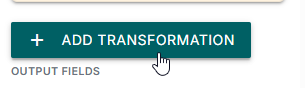
Add Transform from Components, then click Add transformation.
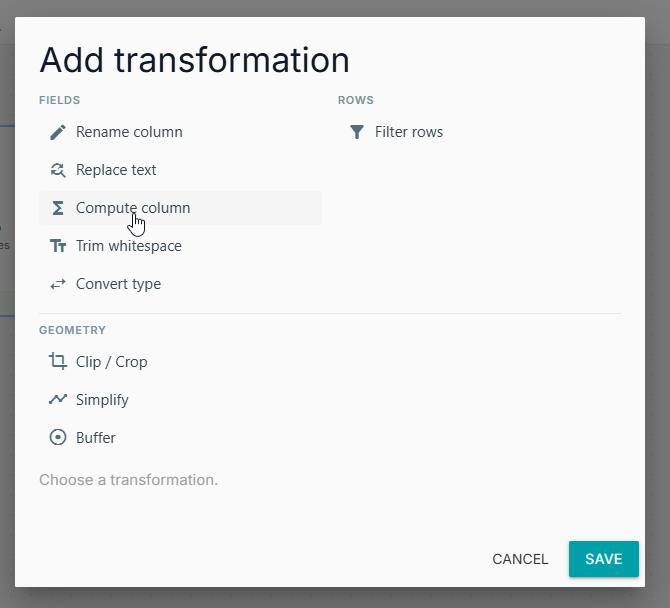
Under Fields, choose Compute column.
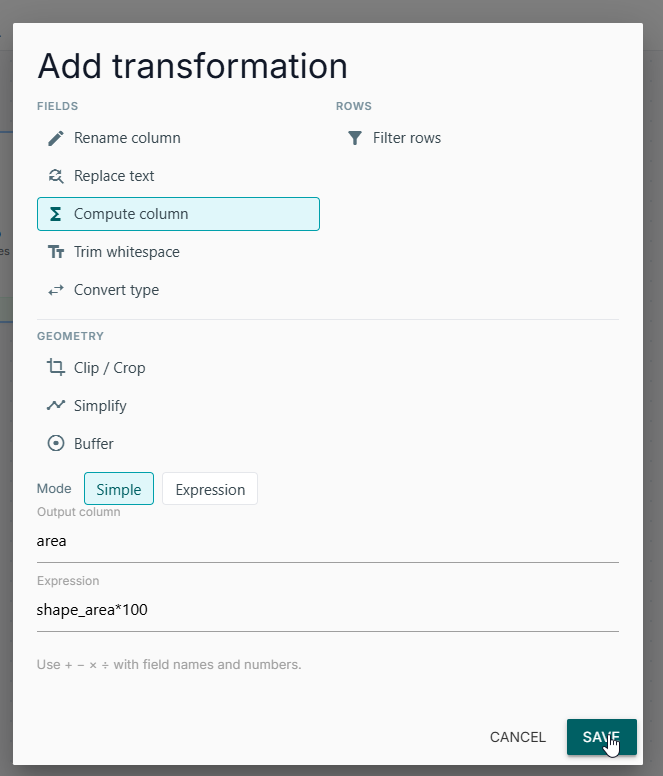
Enter an Expression and an Output column. The output name must not already exist.
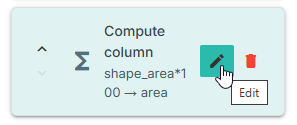
The saved operation appears in the list:
Simple mode
Simple expressions allow + - * / ( ), numbers, and existing field names.
into area.
Another common case is converting square metres to hectares:
into hectares.
Expression mode
Use Expression mode for comparisons, AND / OR, and a small function list. This is not a SQL console — you cannot write SELECT.
See Expression syntax for the full list.
For spatial SQL or queries Basic operations cannot express, use Transform with SQL.